

Windows Central Verdict
The ASUS ZenBook 14 is another great MacBook Neo alternative. Starting at $799, it's rocking a premium chassis that looks and feels great to use, along with a 1080p OLED display, a lush keyboard typing experience, and all day battery life thanks to the efficient Snapdragon X SoC under the hood.
Pros
- +
Beautiful design
- +
High quality chassis
- +
Great OLED display
- +
Feels great to type on
- +
Great battery life
Cons
- -
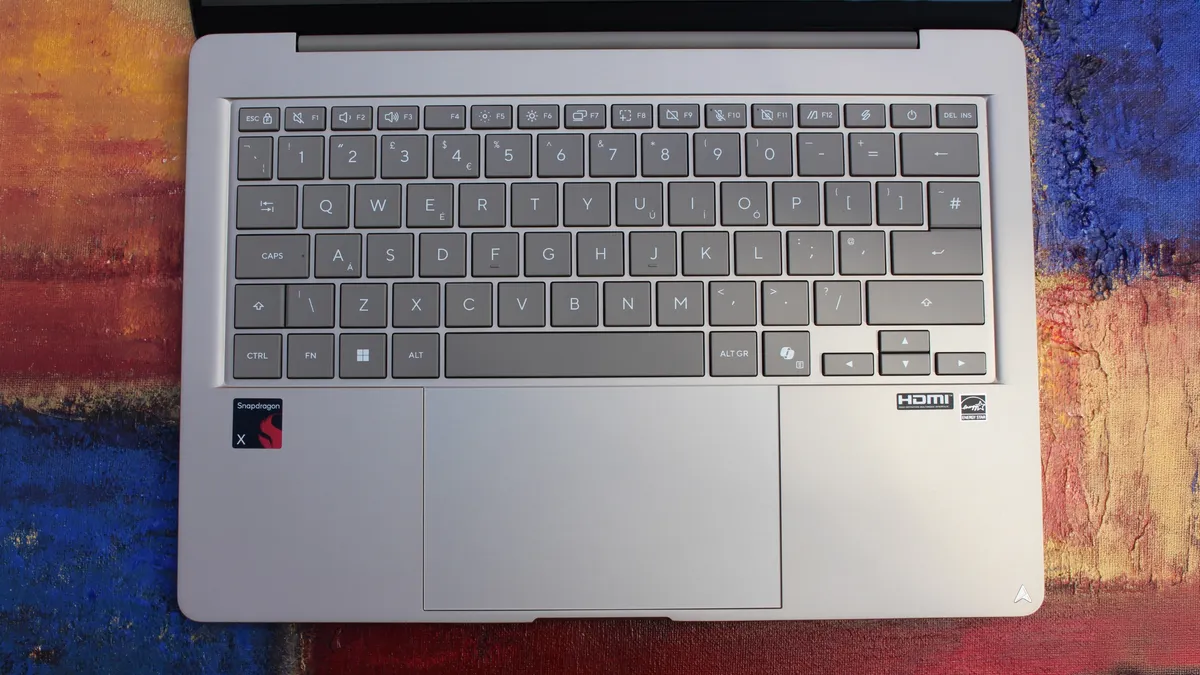
No keyboard backlight
- -
Trackpad is meh
- -
Fans can get a bit loud
Why you can trust Windows Central Our expert reviewers spend hours testing and comparing products and services so you can choose the best for you. Find out more about how we test.
Ever since the MacBook Neo launched earlier this year, Windows OEMs have scrambled to ship devices that match it from a design and price perspective. Until this year, most Windows OEMs weren't all that interested in insuring their sub-$1,000 laptops were pretty, but that has all changed in recent months.
OEMs like Dell and Acer have come out with $799 laptops that match the MacBook Neo in design and premium build quality, and now ASUS is joining the fray with their own $799 Windows laptop that also looks the part. The new ZenBook 14 with Snapdragon X is one of the better $799 Windows laptops we've tested, thanks to its premium design and excellent OLED display.
I've been daily driving the ZenBook 14 over the last few weeks, and this is my full review.
This review was made possible via a sample unit supplied by ASUS. The company had no editorial input and did not see the contents of this review before publication.
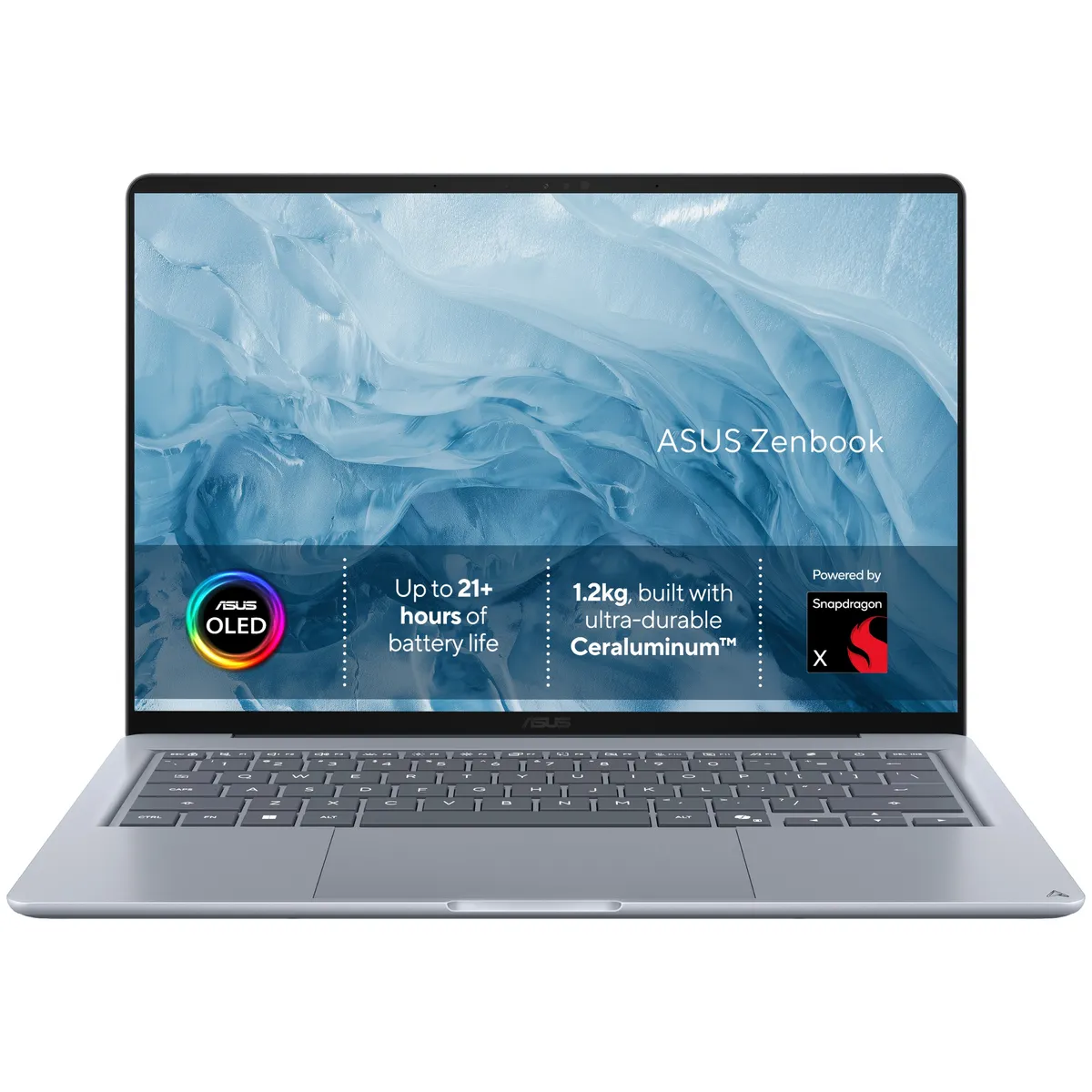
The ASUS ZenBook 14 with Snapdragon X is ASUS's first true MacBook Neo competitor. Coming in at $799, it features a 1080p OLED display, excellent keyboard, plenty of ports, good performance and all day battery life.
What I love
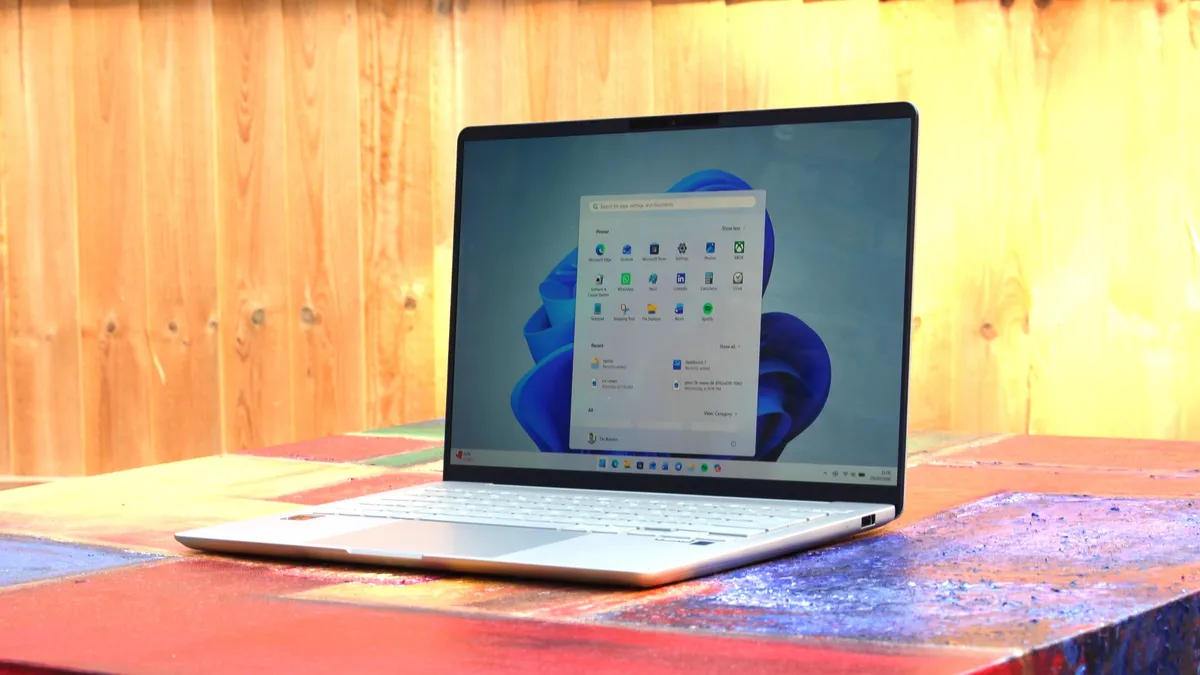
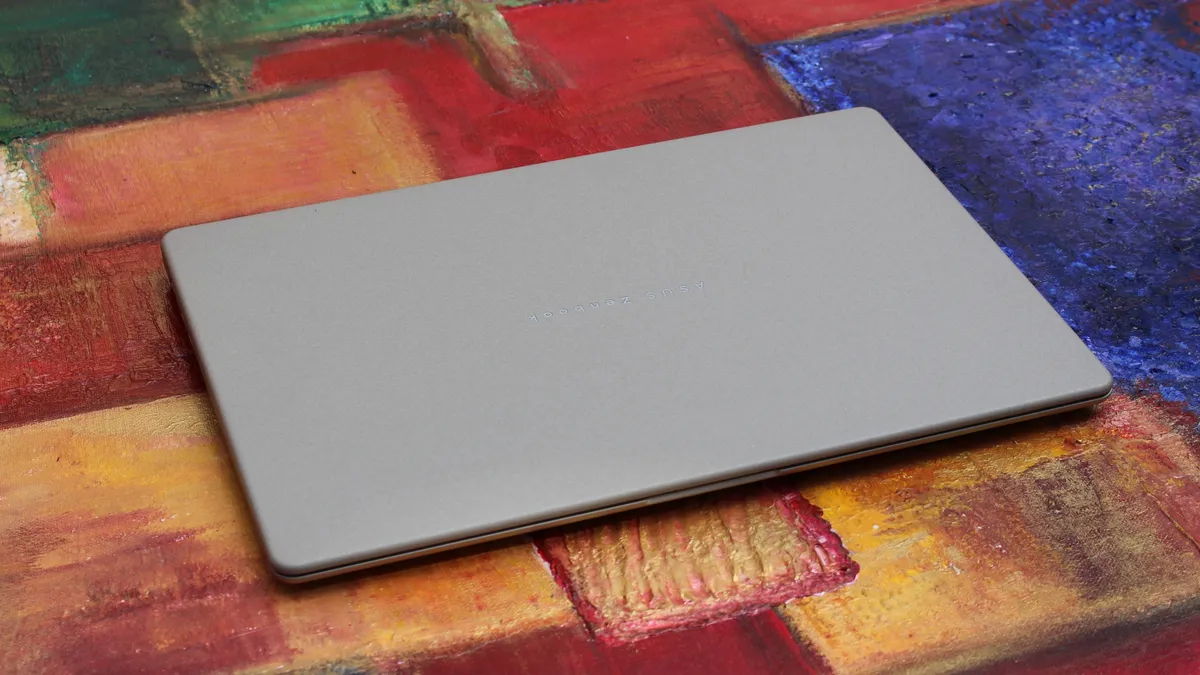
Any laptop that wants a running chance at being competitive with the MacBook Neo needs to focus on design and build quality. Luckily, the ASUS ZenBook 14 is a device that looks and feels the part. It features a premium metal chassis with a coating that does a great job at hiding fingerprints and remaining light.
The design of the laptop is notably rounder than the MacBook Neo and other laptops in this price range, which gives it an edge in ergonomics too. Carrying this laptop around in your hands is very comfortable, and it just looks great when sitting on a desk or on your lap.
The texture of the chassis is nice and smooth, and cold to the touch which helps with that premium feeling. It's also super lightweight, coming in at just xx which makes it much lighter than the MacBook Neo and easier to carry around as a result. The chassis does flex a tiny amount, but not enough for it to take away from the overall premium experience.
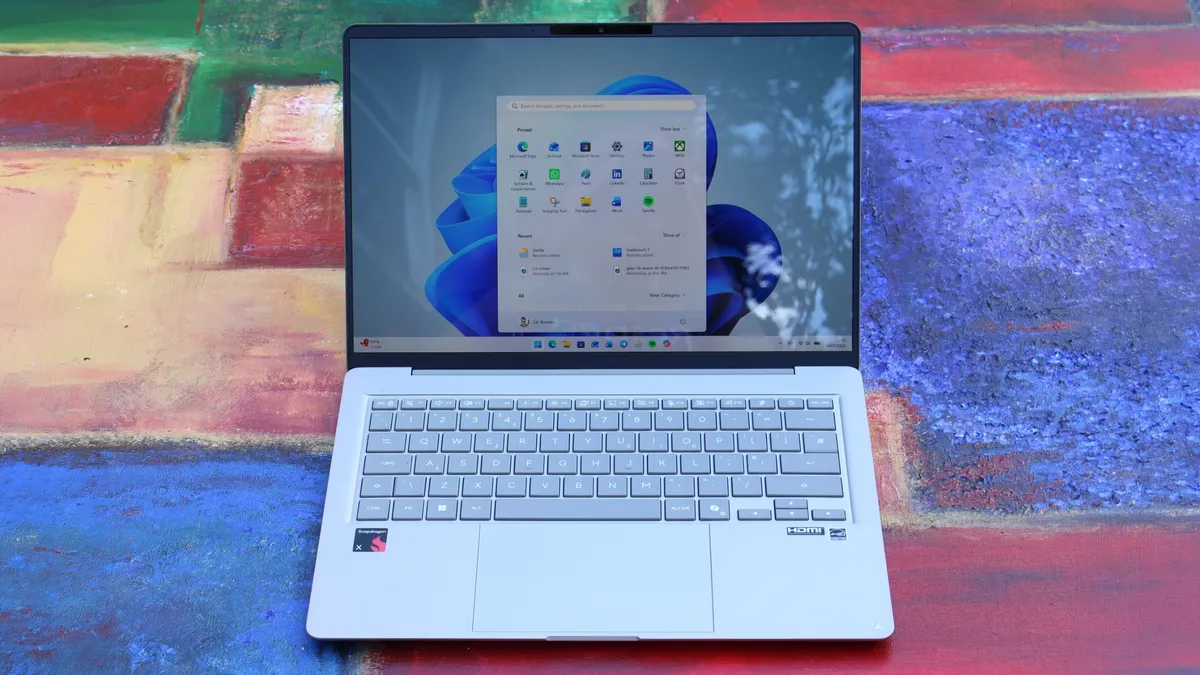
Opening the laptop up, we're greeted with what I'd arguably describe as the star of the show. This laptop is rocking 14-inch OLED display that looks great for $799. It is a 1080p panel, which is notably lower resolution than what you might find on the MacBook Neo and Dell XPS 13, but the OLED colors make up for that slight drop in sharpness.
You don't often find OLED displays on laptops at this price bracket, especially not with a Snapdragon chip on the inside. This laptop is powered by the Snapdragon X 8-core SoC, which delivers good performance for day to day tasks while being incredibly energy efficient, meaning this device will last you all day on a single charge without breaking a sweat.
The configuration that starts at $799 includes 8GB RAM, which is a little on the low side in 2026, but if you're only planning to use your laptop for lightweight productivity tasks and a bit of multitasking between a web browser, Spotify, Teams/Slack, and an email client, it should be more than enough. If you need more, ASUS does offer the laptop with more RAM and storage at a higher price.
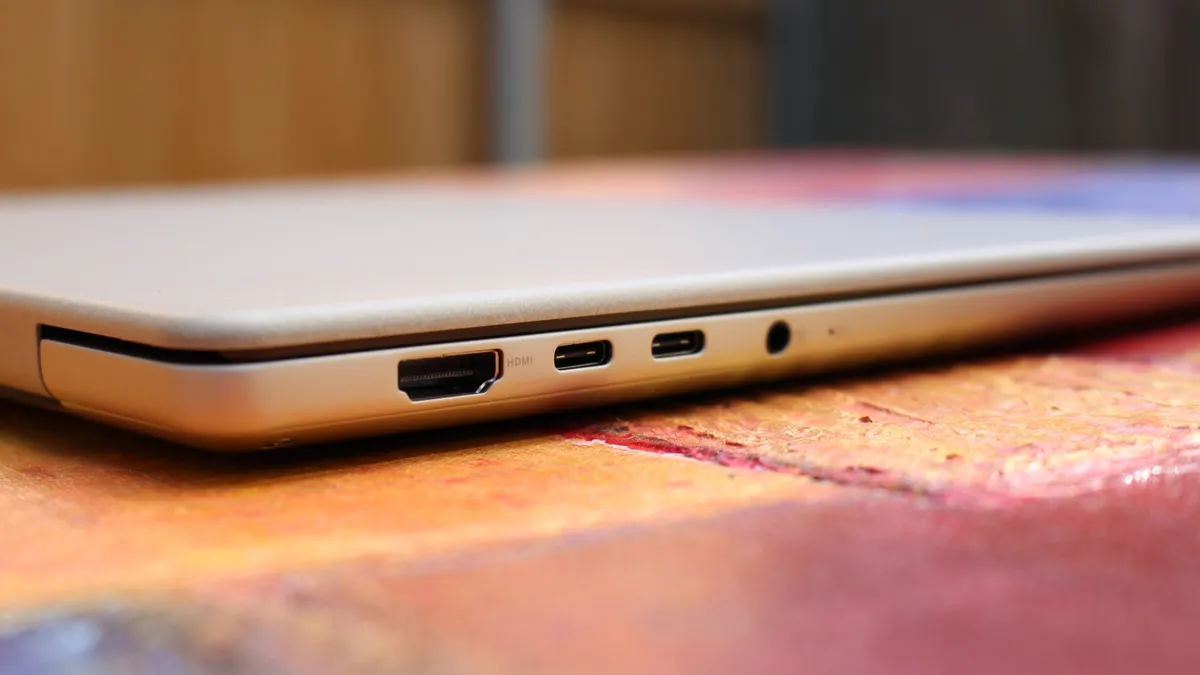
Turning out attention to the chassis once more, we have plenty of ports for a laptop at this price bracket. It features a full size USB-A port on the right, and two USB-C ports and a 3.5mm audio jack on the left. The USB-C ports are used for both data and charging the device.
I also want to take a second to shout out the great keyboard on this laptop. The ZenBook 14 has one of the best feeling keyboards I've ever typed on at this price point. For $799, this keyboard is lush. It's tactile yet quiet, and my fingers just glide across the keys. Actuating the keys is also easy and weightless.
Lastly, the audio and webcam on this device are surprisingly good. The webcam is a XX shooter which looks great in well lit rooms, but gets a bit noisy in low light. It's perfect for Teams calls and video calling friends, and the built-in microphone is more than cabable for the same tasks.
What's really nice about the webcam is that it also features IR sensors for Windows Hello face unlock. This level of biometric authentication isn't something you'll find on the $799 MacBook Neo, but it does match the $799 Dell XPS 13.
What I hate
There's not much to dislike about the ASUS ZenBook 14, but there are a few things I noticed during my time with it that I wasn't a fan of.
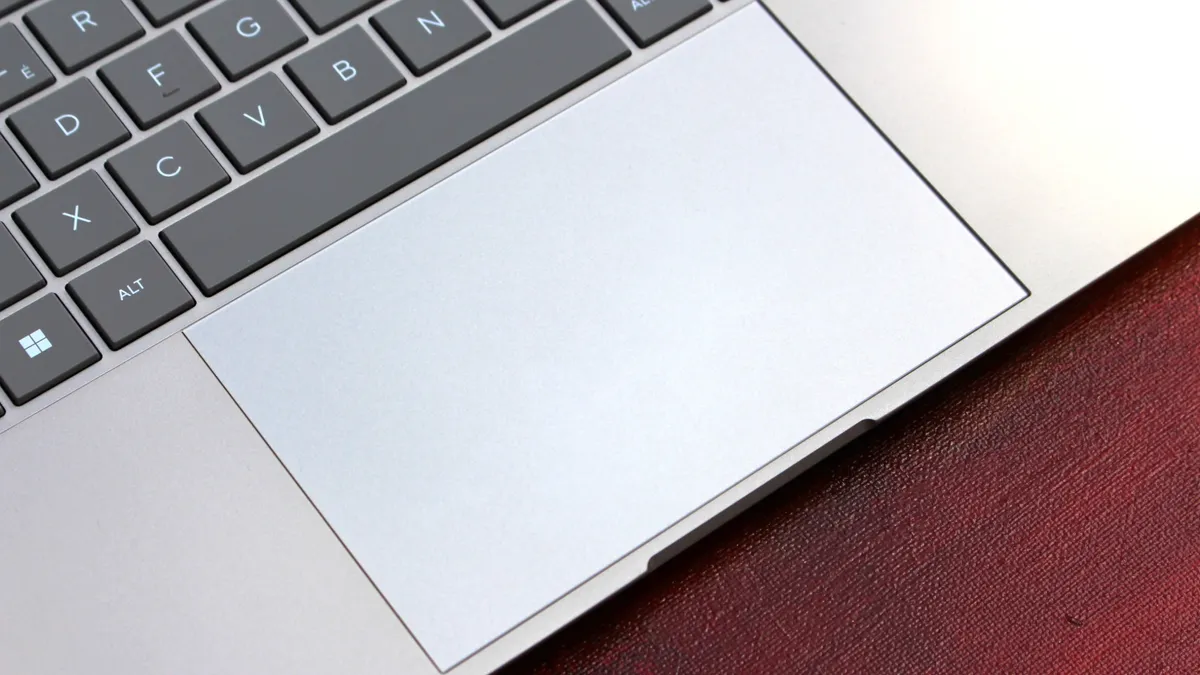
First of all, I don't like the trackpad. It's nice and smooth, and plenty large, but that's about as much good as I can say about it. I don't know if this was just an issue with my review unit, but the trackpad feels notably tougher to actuate than other trackpads I've tried. The MacBook Neo's trackpad is effortless, but the ZenBook 14 trackpad is a little tougher to press down.
I'll also say that the tracking of the trackpad itself is also not great. When people say Windows trackpads suck, I suspect it's trackpads like this that they're referring to. It just doesn't feel very accurate, often over or under shooting where I intended to move the mouse. The keyboard also doesn't feature a backlight, which kind of sucks. I know the MacBook Neo also doesn't have a backlight, but it also sucks on that laptop too. At $799, the laptop should have a backlight in my opinion.
The only other annoyance I found with the ZenBook 14 is that I found its fan spins up a fair bit, and it can get quite loud under super intensive load. It's not normally an issue in day to day use, but if you're susceptible to fan noise, I'd be weary of the ASUS ZenBook 14.
Conclusion
The ASUS ZenBook 14 is the latest MacBook Neo competitor to hit the scene, and it's one of the better ones. Yeah, the trackpad isn't amazing, but everything else about this laptop is great for a $799 starting price.
I think it's one of the better looking $799 laptops you can find right now, complete with a thin and light profile and plenty of ports to boot. It also has all day battery life, and good performance for the day to day tasks you'd be expected to want to complete on a device in this price bracket.
The OLED display is a great addition, and while I wish it was slightly higher resolution and higher refresh rate, the panel itself is perfectly acceptable at this price point. In fact, I'd say the punchy colors are worth the slight decrease in resolution.
The ASUS ZenBook 14 with Snapdragon X is ASUS's first true MacBook Neo competitor. Coming in at $799, it features a 1080p OLED display, excellent keyboard, plenty of ports, good performance and all day battery life.

Join us on Reddit at r/WindowsCentral to share your insights and discuss our latest news, reviews, and more.